
Grid
The grid is used for more detailed positioning of text and objects in a document. With the Snap to Grid option enabled, the object will automatically align to the nearest grid line after it is moved. Enable/Disable positioning in the main menu View > Snap to Grid.
The grid is displayed on screen, but not printed with the document. You can show/hide it in View > Grid.
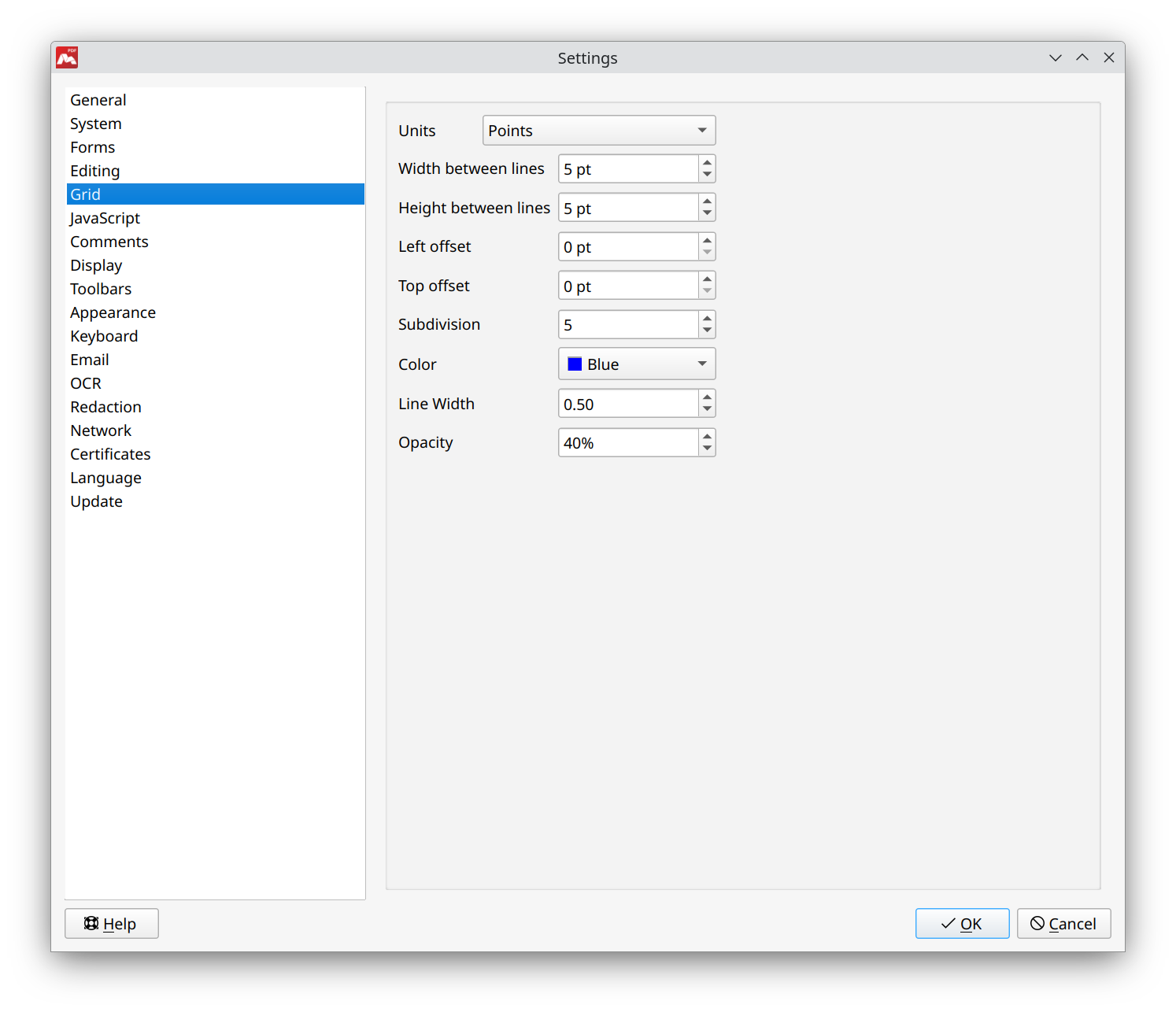
- Units. Selecting the unit of measure for the grid dimensions.
- Width between lines. Setting the height of the grid cell.
- Height between lines. Height for grid cell.
- Left offset. Selecting the grid offset value from the left edge.
- Top offset. Selecting the grid offset value from the top edge.
- Subdivision. Setting the number of additional cells within each main cell.
- Color. Selecting the color of the grid lines.
- Line width. Setting the line width of the grid.
- Opacity. Setting the grid opacity.
 Additional cell lines are lighter than the main ones.